Digital journal vs paper journal
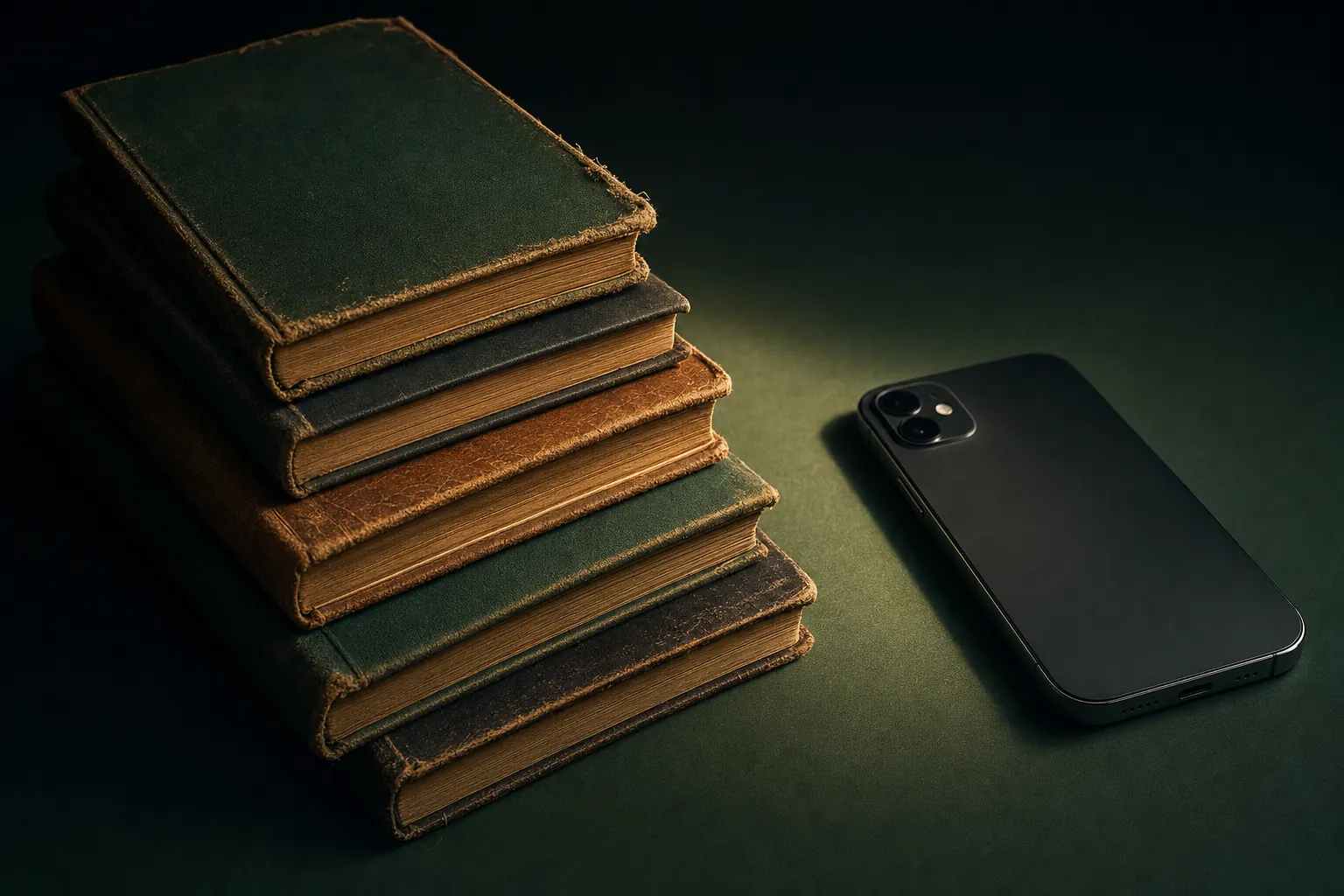
Answer one question first: where are you when you actually have five free minutes? If that is a desk at home in the evening, paper is a real option and probably the nicer one. If it is a bus, a lunch break, or bed at 11pm, the notebook you left in a drawer is not competing with anything, and a phone journal wins by turning up. Consistency beats medium by a wide margin, and every study people quote about handwriting assumes you write in the first place.
What paper is genuinely better at
Handwriting is slower than typing, and the lag between thought and word makes you compress and choose. Research on note-taking has repeatedly found better recall for handwritten notes than typed ones, and while journaling is not lecture notes, the same slowing effect is what people mean when they say paper feels more thoughtful.
Paper is also a closed system. A notebook cannot show you a notification, and it has no other app one swipe away. For anyone whose attention shatters on contact with a phone screen, that single property outweighs everything on the other side of the comparison. There is a physical pleasure to it too, which sounds soft until you notice it is the reason a notebook gets opened at all.
What a digital journal is better at
Search is the big one. Five years of paper means a shelf you cannot query; five years of digital means finding every entry that mentions a person or a place in a couple of seconds. Backup is the other. Notebooks are lost in moves, damaged by water, and read by people who were not meant to read them, and none of those failures are recoverable.
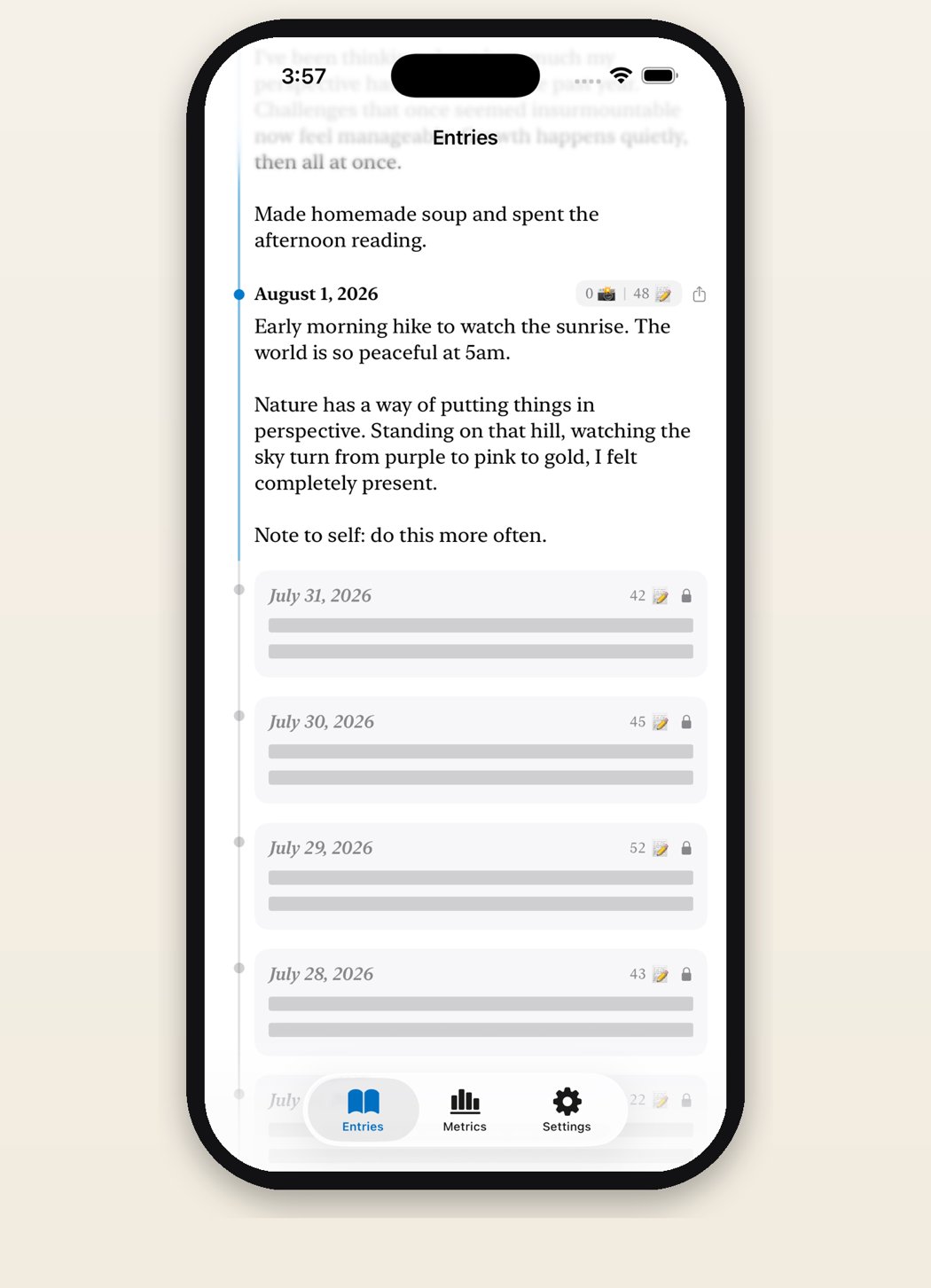
The quieter advantage is availability. The journal is in your pocket at the moment you actually have something to write, which is usually not at your desk. Daily Writer shows today’s entry at the top and your previous days directly beneath it, so opening the app puts you in the archive and in today at once. Sealed past entries carry a lock icon and their word count, and Prolific Pro syncs everything across iPhone, iPad and Mac through iCloud.
The permanence question cuts both ways
People often choose paper for permanence, but a notebook is permanent only until something happens to it. Digital entries survive a house move and a lost bag, though they depend on a company, a file format and a sync service continuing to exist. Check before you commit that your app can export plain text, and export once a year whether you feel like it or not.
Editability is the sharper difference. Paper is hard to revise, which is why old notebooks read as honest documents. Most journal apps let you rewrite last month at any time, and that quietly changes what the record is. Daily Writer takes the paper side of this: one entry per day, sealed at midnight, no edits and no deletions afterwards. Whether that appeals or alarms you is a useful test of what you want a journal to be.
A compromise that works
Plenty of people run both without any conflict. The phone takes the daily entry, because the daily entry has to happen on ordinary days in ordinary places. The notebook takes the long Sunday session, the trip, the year-end review, the writing that deserves an hour and a good pen.
If you are picking one to start with, start with the one that removes the most friction from tomorrow morning, not the one that photographs best. You can always move up to the beautiful notebook once the habit exists. Going the other way, buying the notebook and hoping the habit follows, is how most journals end up with eleven filled pages and 200 blank ones.
Questions
Can I move my paper journal into a digital one?
Photographing pages and attaching them to a dated entry is the practical route, and it makes the images findable by the date at least. Retyping years of notebooks almost never gets finished, so start with the digital entries going forward.
Are digital journals actually private?
It depends on the app. Look for entries stored on device with sync through your own iCloud account rather than a company’s servers, no account signup, and a clear privacy policy. Anything that asks for an email address before letting you write deserves suspicion.