What film grain does to a photo
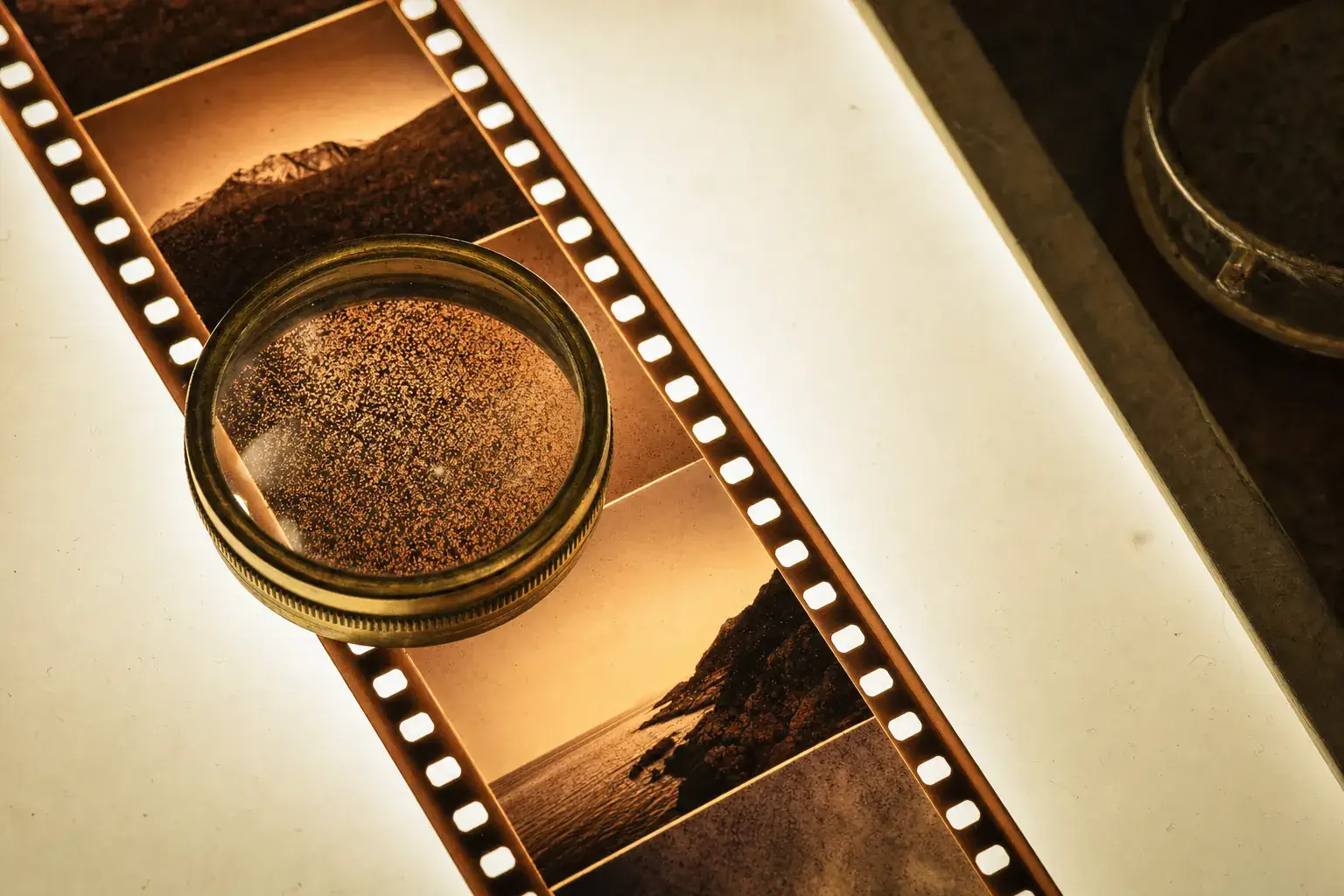
Grain adds texture without removing detail. That surprises people, because digital noise does the opposite. Film grain is the physical structure of the image, the clumps of developed silver that the picture is literally made of, so it sits inside the detail rather than on top of it. In a photo it does three useful jobs: it gives flat areas something to look at, it hides the plastic smoothness that phone noise reduction leaves on skin and sky, and it signals to a viewer, before they have consciously read anything else, that the image came from a physical process.
Where grain actually comes from
Photographic film is a gelatin layer holding silver halide crystals. Light strikes a crystal, development turns it into opaque metallic silver, and the crystals that were not struck wash away. The image is a random scatter of dark specks at slightly different sizes and positions, and that scatter is the grain. Nothing about it is a defect. It is the smallest unit the medium has, the way a pixel is for a sensor.
Faster film needs larger crystals to catch light in less time, which is why an ISO 400 stock is visibly grainier than an ISO 100 one, and why an ISO 3200 push looks like gravel. Grain also lives mostly in the midtones. Deep shadows have almost no developed silver and highlights are dense enough that the structure merges, so the texture is loudest in skin, walls, and overcast sky, exactly where a phone applies the most smoothing.
Three things grain does to an image
It breaks up banding. A smooth gradient rendered in 8 bits, a sunset sky or a studio backdrop, shows visible steps between tones. A layer of random texture dithers those steps into invisibility, which is why film scans of gradients look cleaner than digital captures of them despite being noisier by any measurement.
It restores apparent sharpness. Noise reduction removes fine detail along with the noise, leaving skin that looks like wax and foliage that looks like paint. Adding texture back does not recover the lost detail, but the eye reads a textured surface as sharper than a smooth one, so the wax effect disappears.
And it changes how a viewer weighs the image. A grainy frame reads as documentary, personal, older, made rather than captured. A clean frame reads as commercial. That association is learned rather than inherent, but it is the reason a grain slider exists in almost every serious editor.

How much grain is too much
The usual mistake is grain that is too large and too even. Real grain scales with the negative, not with the export, so a heavy uniform speckle applied to a 12-megapixel file looks like sand thrown at a screen when you view it full size, then disappears entirely at Instagram thumbnail size. If you can see individual specks at fit-to-screen viewing, it is too coarse.
The second mistake is grain that only appears in the shadows, which is what happens when you use a digital noise generator instead of a film grain model. Shadow-only noise reads as a bad camera. Midtone-weighted texture reads as film. A profile built from an actual stock gets this weighting right without asking you to think about it.
Check the result at two sizes before you commit: full screen, and the size the photo will actually be seen at. Grain tuned for one is usually wrong for the other, and if you are posting rather than printing, the small size wins.
Grain on phone photos specifically
Phone photos need more grain than a film scan does, because the pipeline that produced them removed every trace of texture first. A scan of a negative arrives with grain already in it and usually needs restraint. A file straight off a phone arrives sterile and can take a heavier hand.
Apply it after the color work, never before. Grain that goes on early gets stretched by later curve adjustments, which turns round specks into streaks in the areas you brightened most. Philmm renders the whole stack in one pass, so the ordering is handled internally, and a Live Activity shows progress while the render runs rather than blocking the screen.
Questions
Is film grain the same as digital noise?
No. Digital noise is an error signal from the sensor and sits on top of the picture, so removing it recovers detail. Grain is the picture, arranged as a random scatter of silver, which is why it reads as texture rather than as a fault.
Does adding grain make my photo file bigger?
Yes, noticeably. Random texture compresses badly, so a grainy JPEG can be two or three times the size of the clean version at the same quality setting. It is worth checking before you upload a large batch.